For years, the timber industry, especially sawmills, has been doing a lot of its daily work manually using paper registers, spreadsheets, and other manual records. Apart from this, work like log entries, measurements, stock details, and loading information was mostly written down and checked manually. When the mill is small, managing things this way may not be very difficult. But as the number of logs, consignments, machines, and locations increases, handling all this information manually can take a lot of time.
Managers often need to check different records to know how many logs came in, how much material was processed, what was loaded, and how much stock is still available. Keeping all this information updated at every stage can become difficult and sometimes leads to delays in getting the right information. A sawmill automation software system can make this process easier by keeping important information in one place and making it easier to check whenever required.
Gate Entry: Getting Log Data Right From the Start
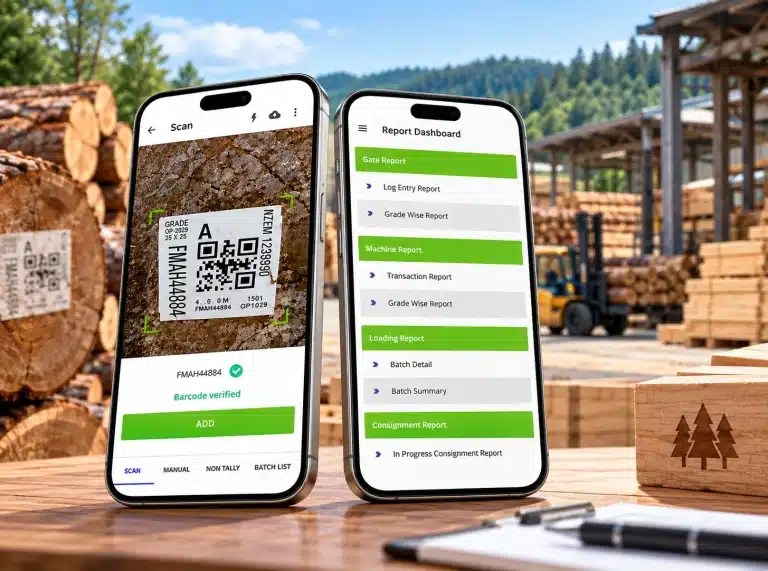
The process starts with the logs entering the mill through the gate. Earlier, gate entries were usually written in registers and the same information had to be entered or checked again at different stages. With a digital system, the information can be recorded at the gate itself and kept ready for further processing. The Gate Entry process can include:
- Tally and Non-Tally log entries
- Gate-in Tally and Non-Tally percentage
- Scanned and Non-Scanned data
Having the right information at the gate is important because it is used in the next stages of the mill operation. Accurate gate entry data can make it easier to track logs during machine processing, loading, and stock management. It also gives managers a clearer idea of the logs that have entered the mill and the information recorded against them.
Machine: Tracking Measurements Without the Repeat Calculations
Once logs are inside the mill, machine processing generates the bulk of the day’s data: volumes, variations, and categorizations that used to mean hours of manual cross-checking. A digital workflow organizes this around:
- Tally and Non-Tally logs and their CFT
- Volume in CFT and CBM
- Variation between recorded and actual volumes
- Scanned vs. non-scanned logs
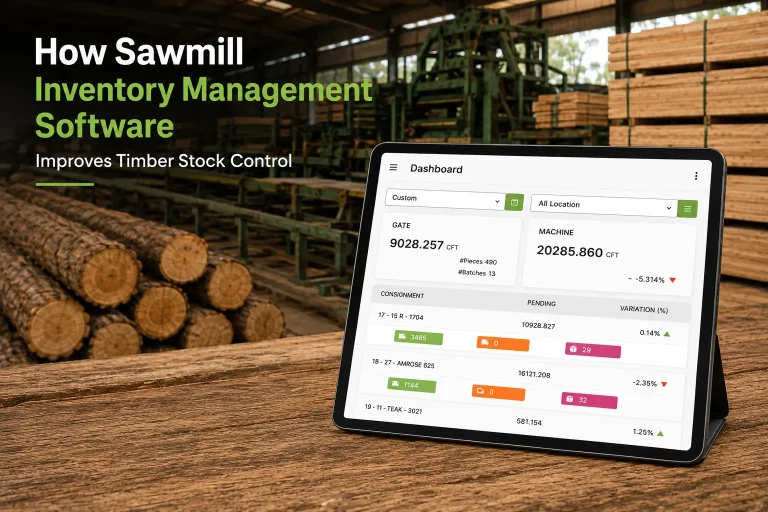
Rather than reconciling numbers by hand at the end of the day, managers can see volume and variation data as it’s generated, which is often where the biggest problems hide.
Loading: Making Sense of Multiple Output Types
A sawmill does not produce only one type of material. During the process, different types of products can come out, such as Main Sizes, Off Sizes, Sawdust, Firewood, and semi-finished products. These products also need to be recorded properly so that the mill team can keep track of the material being handled during the loading process.
The Loading Module includes different products such as:
- Main Sizes
- Off Sizes
- Sawdust
- Firewood
- Frame
- Ripla
- Sleeper
- Fanta
- Batta
- Door
- Window
- Pallets
Keeping these products properly recorded can make it easier for the mill team to check the material handled during loading. It also helps maintain clear information about different types of output instead of keeping everything under one general record.
Stock: Organizing Timber by Species
Stock is another area where manual record-keeping can become difficult. Sawmills may handle different timber species, and keeping their information organized is important for day-to-day stock management.
Depending on the operation, stock information may include species such as:
- SAL
- Kapur
- Red Meranti
- Yellow Meranti
- Australian Pine
- New Zealand Pine
- Canadian Pine
- Softwood
- Hardwood
Managing this information digitally can provide a more structured way to view timber stock. Instead of searching through different registers or spreadsheets, users can work with organized information about the material being managed.
Better stock visibility can also make it easier for management to review the relationship between incoming logs, processed material, and available stock.
Reporting: Turning Raw Data Into Decisions
Collecting data is only half the job — the real value comes from what managers can do with it. Automated reporting turns daily activity into usable insight:
- Mill-wise and location-wise variation in CFT/CBM
- Daily and weekly summaries
- Consignment recovery and vessel stock balance
- Logs balance and pending logs
- Role-based access, so users see what’s relevant to them
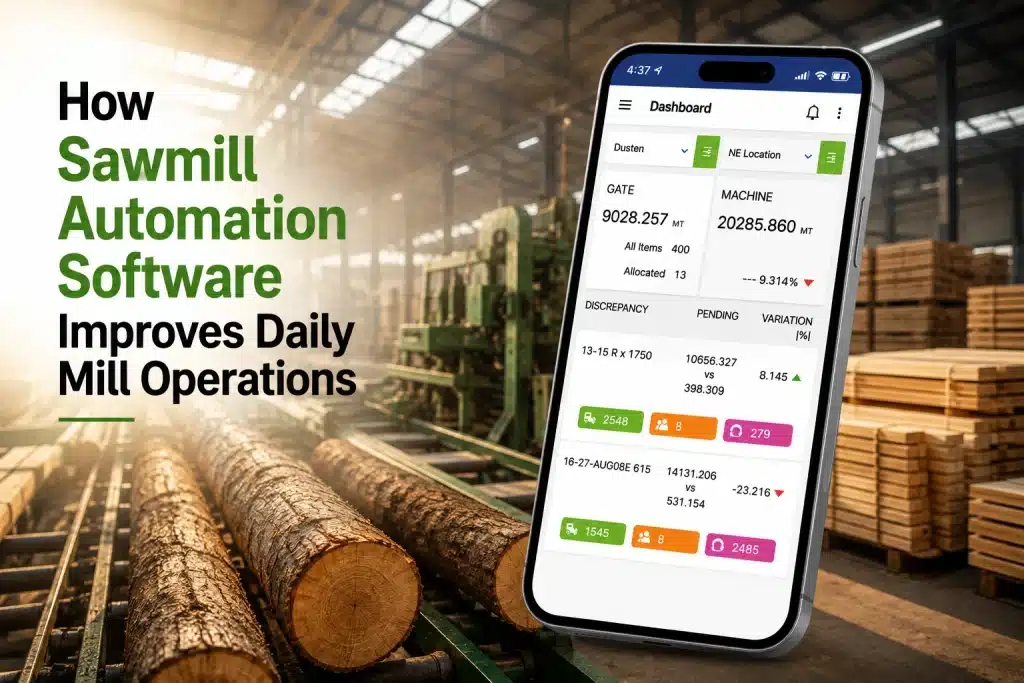
This is where the disconnected-records problem actually gets solved — variation reports flag where numbers don’t add up, and pending-logs data highlights what still needs attention, without anyone manually cross-referencing five different sheets.
Moving From Manual Work to a Connected Digital Workflow
The main purpose of automation is not just to replace paper registers with a computer screen. The real benefit comes when different stages of the mill can be managed through one connected workflow.
Earlier, a sawmill could have separate records for gate entry, machine measurements, loading, stock, and reporting. Staff had to maintain these records and check them whenever the information was needed. As the daily work increased, keeping every record updated and matching information from one stage with another could take more time.
A sawmill automation software system can bring these different areas together and make it easier to capture, organize, and review operational information. This can be useful for mills dealing with different timber species, log categories, volume measurements, loading outputs, and information from multiple locations.
The shift from manual records to digital processes is also becoming an important part of digitization in the timber industry. For sawmills still relying on scattered registers and spreadsheets, moving to a connected system is a practical way to bring gate entry, machine processing, loading, stock, and reporting into a single system — and to get a clearer, real-time picture of daily operations.